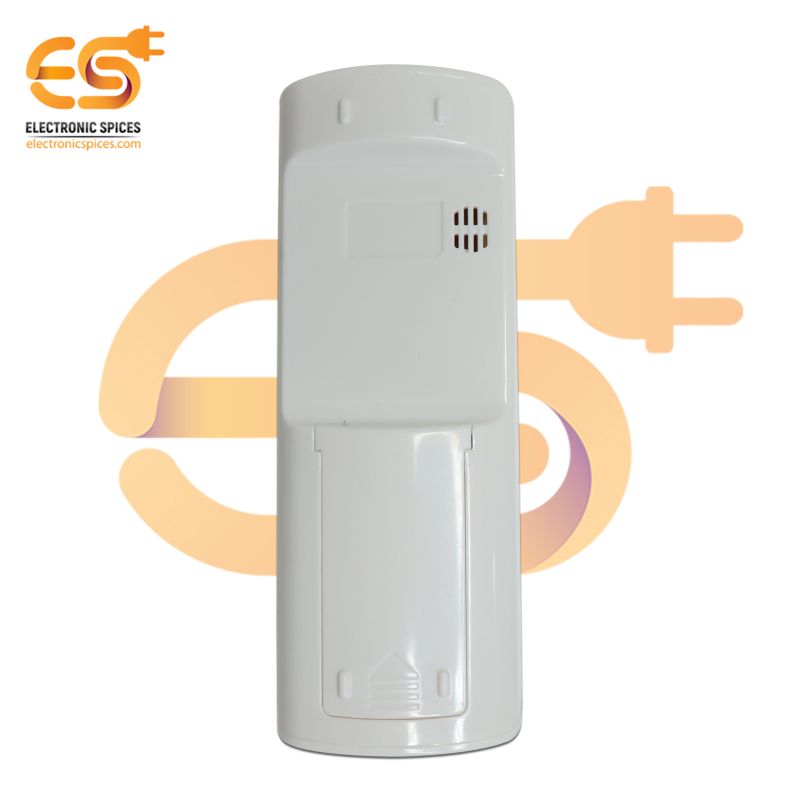


Specification:-
- Color: White
- Model Number: AC-171
- Display Type: Digital Display
- Input Device: Keypad
- Use: A/C Air Conditioner
- Compatible Brands: Onida/Videocon AC
- Product Type: Remotes
- Types of Devices Controlled: AC
SKU: DE9107A1
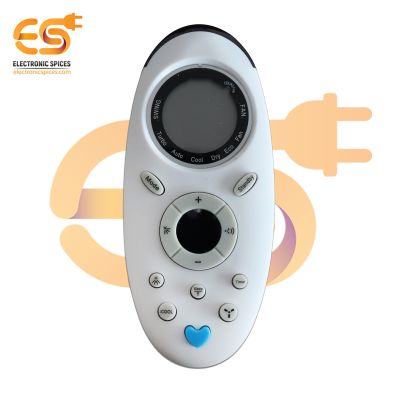
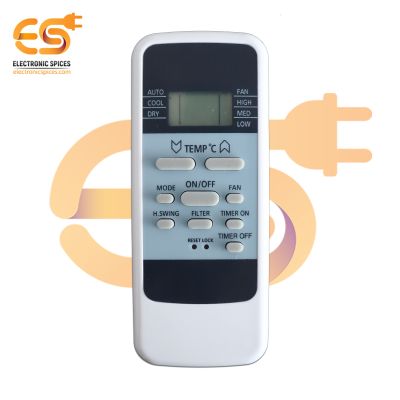
AC-171 Remote Control Compatible Onida/Videocon AC Remote
The AC-171 Remote Control is specifically designed to be compatible with Onida and Videocon air conditioners, offering users a convenient and efficient way to control their cooling systems. With its sleek design and user-friendly interface, this remote control provides seamless operation and precise temperature adjustments for enhanced comfort. Featuring intuitive buttons and functions, the AC-171 Remote Control allows users to easily adjust various settings such as temperature, fan speed, mode selection, and timer settings. With dedicated buttons for each function, users can quickly navigate through different options and customize their cooling preferences according to their needs. AC-171 Remote Control Compatible for Onida and Videocon AC offers convenience, functionality, and compatibility in a compact and user-friendly design. Whether used as a primary remote control or as a backup option, it provides users with an effortless way to manage their air conditioning system and maintain a comfortable indoor environment.
Features:-
- User-Friendly Design
- Temperature Control
- Fan Speed Adjustment
- Compact and Lightweight
- Battery-Powered
AC-171 Remote Control Compatible Onida/videocon AC Remote, ac remote for videocon, remote control for videocon ac, videocon ac remote control, videocon ac remote old model


Shop Curated Picks!

AI-Powered Suggestions





Frequently Asked Questions
A universal AC remote (like 1000 in 1 models) is designed to work with multiple brands and models. It supports most popular Indian AC brands including Voltas, Godrej, Blue Star, Lloyd, Carrier, Haier, Hitachi, and more. Simple setup via auto code search or manual code makes it very user-friendly.
Most universal remotes have an auto-search function. Point the remote at your AC, press the SET or POWER button as per instructions, and let it scan codes until your AC responds. Some models also support manual code entry from the included list.